Studio softwareMac & Windows

Every wedding selected, designed and kept safe.

Three apps that follow your work from the memory card to the finished album. Selectora picks the photos, Spreadora lays out the album, and Safeora tracks every backup.

01SelectoraSelect the photos 02SpreadoraDesign the album 03SafeoraProtect the backups

01

Selectora

AI photo selection

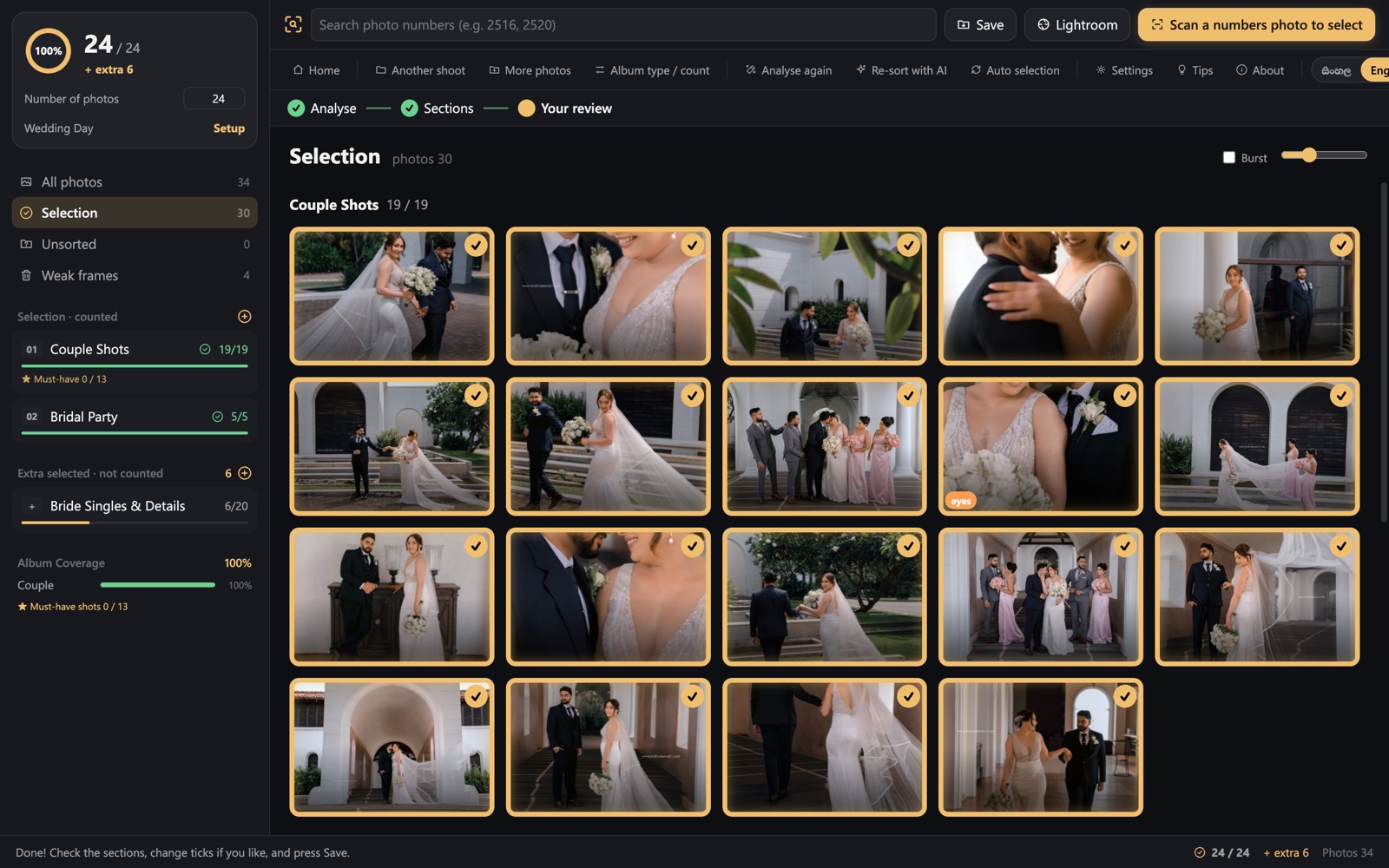
Thousands of frames in. The best photos out.

  1. Separate modes for albums and Facebook uploads.
  2. Marks weak frames and groups similar shots.
  3. Set your photo count, then review the ticked picks.

Mac and Windows. Uses your own Anthropic API key.

Selectora selection screen
Fig. 1. Selection

02

Spreadora

Album design

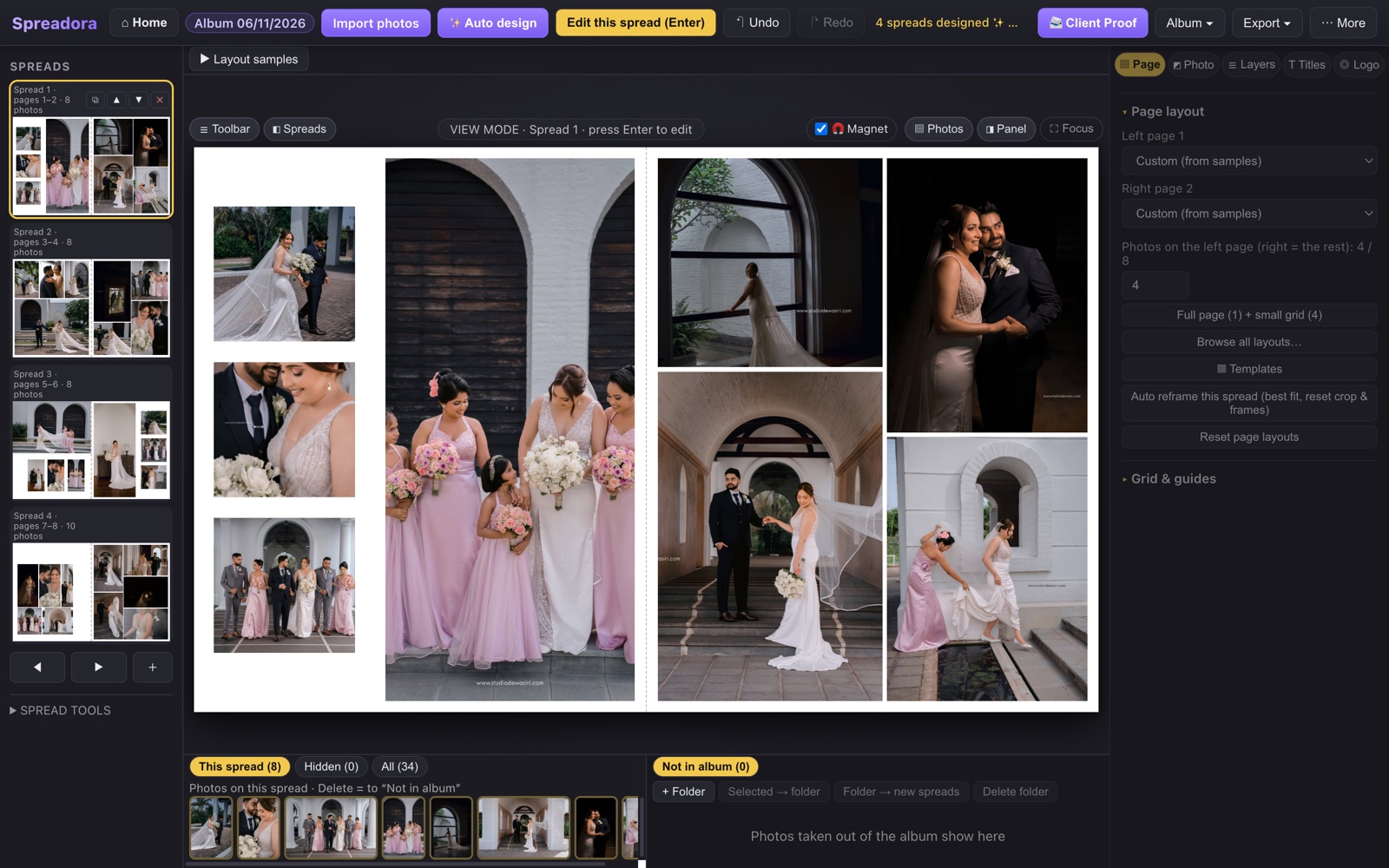
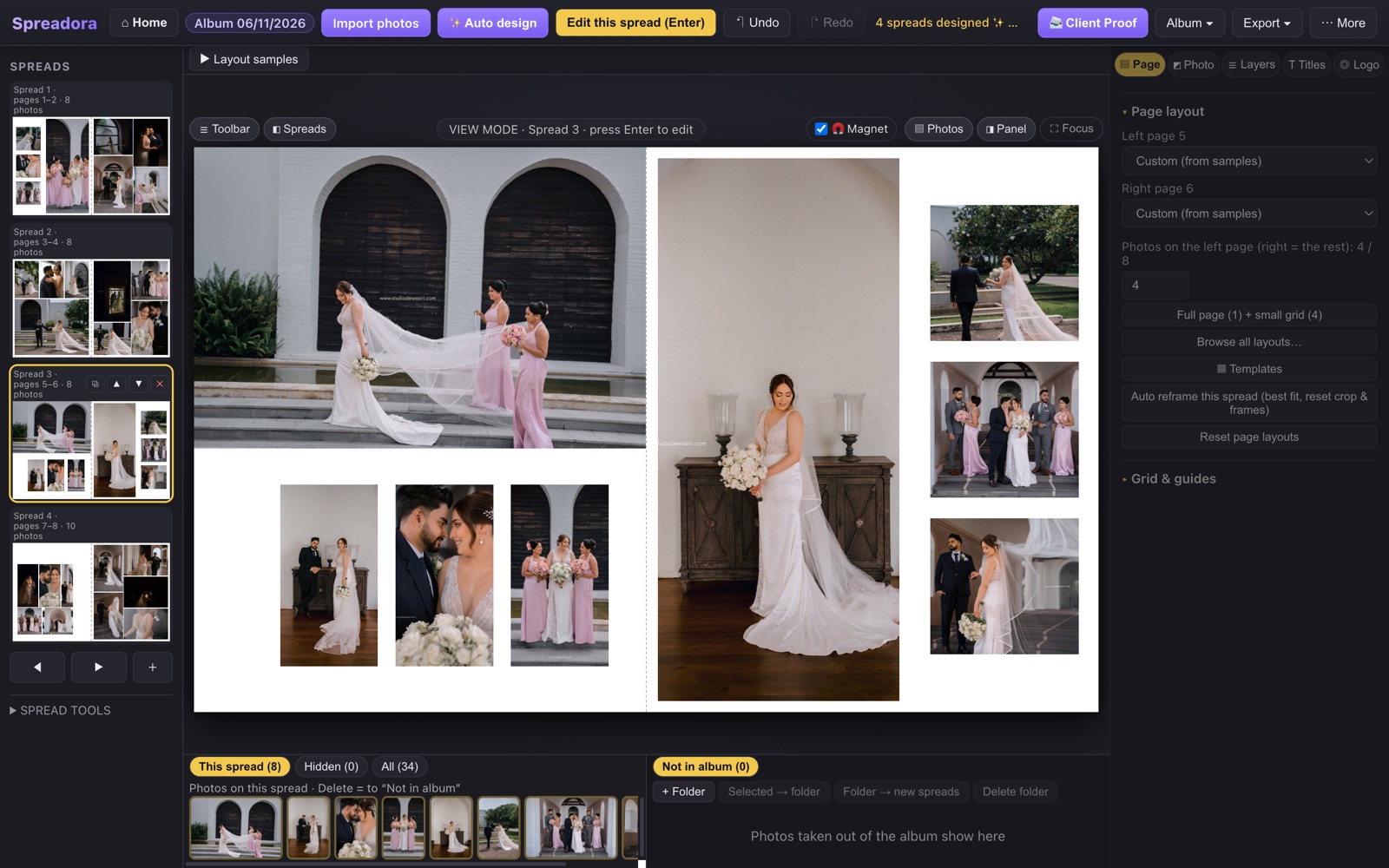
Design a whole album in one click.

  1. Auto design gives every spread its own layout.
  2. Drag and drop to change anything.
  3. Export at 300 dpi as JPG, PDF or PSD.

Mac and Windows. No AI credits needed.

Spreadora auto design screen
Fig. 1. Auto design

03

Safeora

Backup tracking

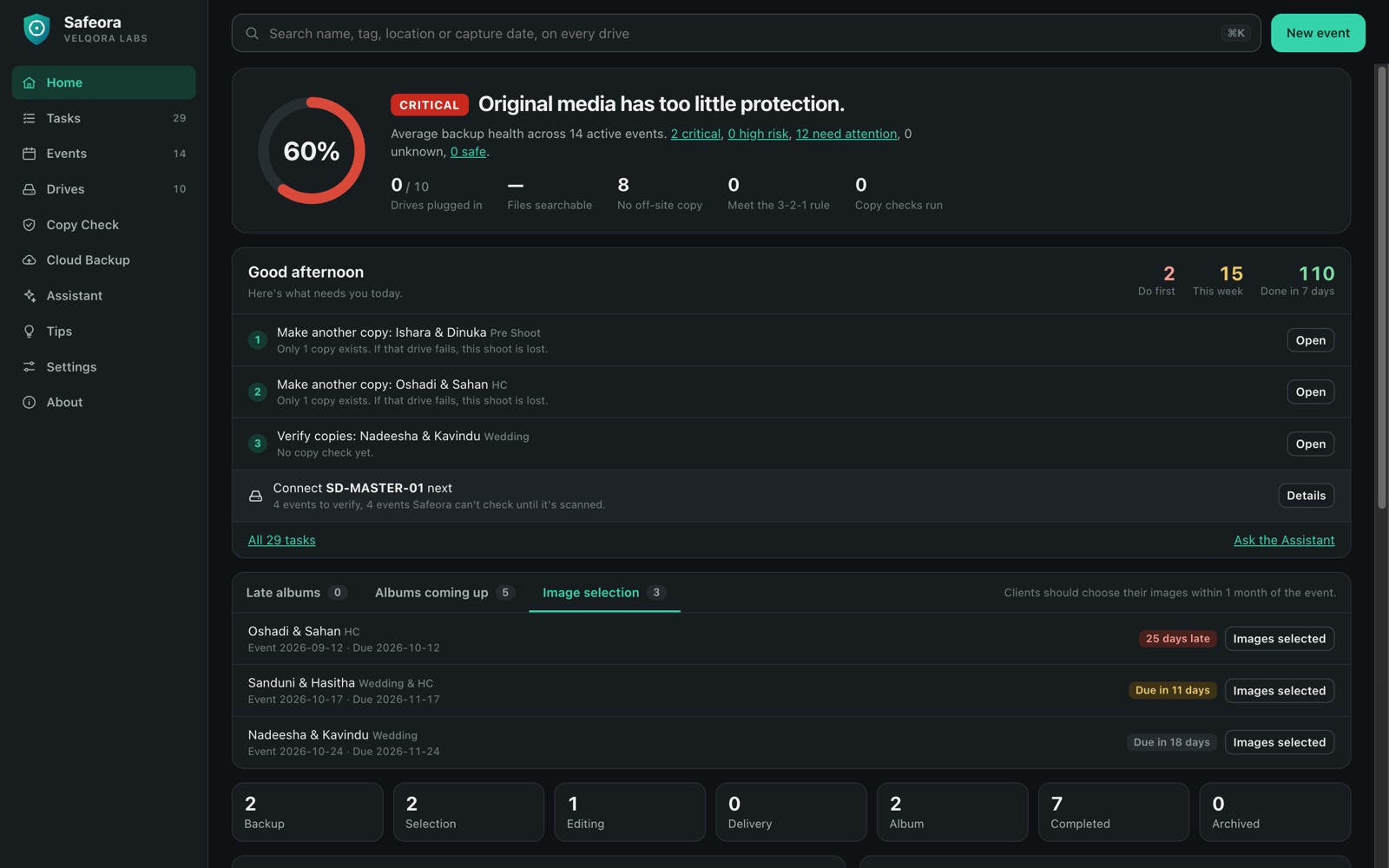
Know where every shoot is, and which ones aren't safe yet.

  1. See every event's backup drives at a glance.
  2. Daily tasks and backup-risk alerts.
  3. Copy Check before you format a card.

Mac and Windows. Your records stay on your computer.

Safeora home screen
Fig. 1. Home

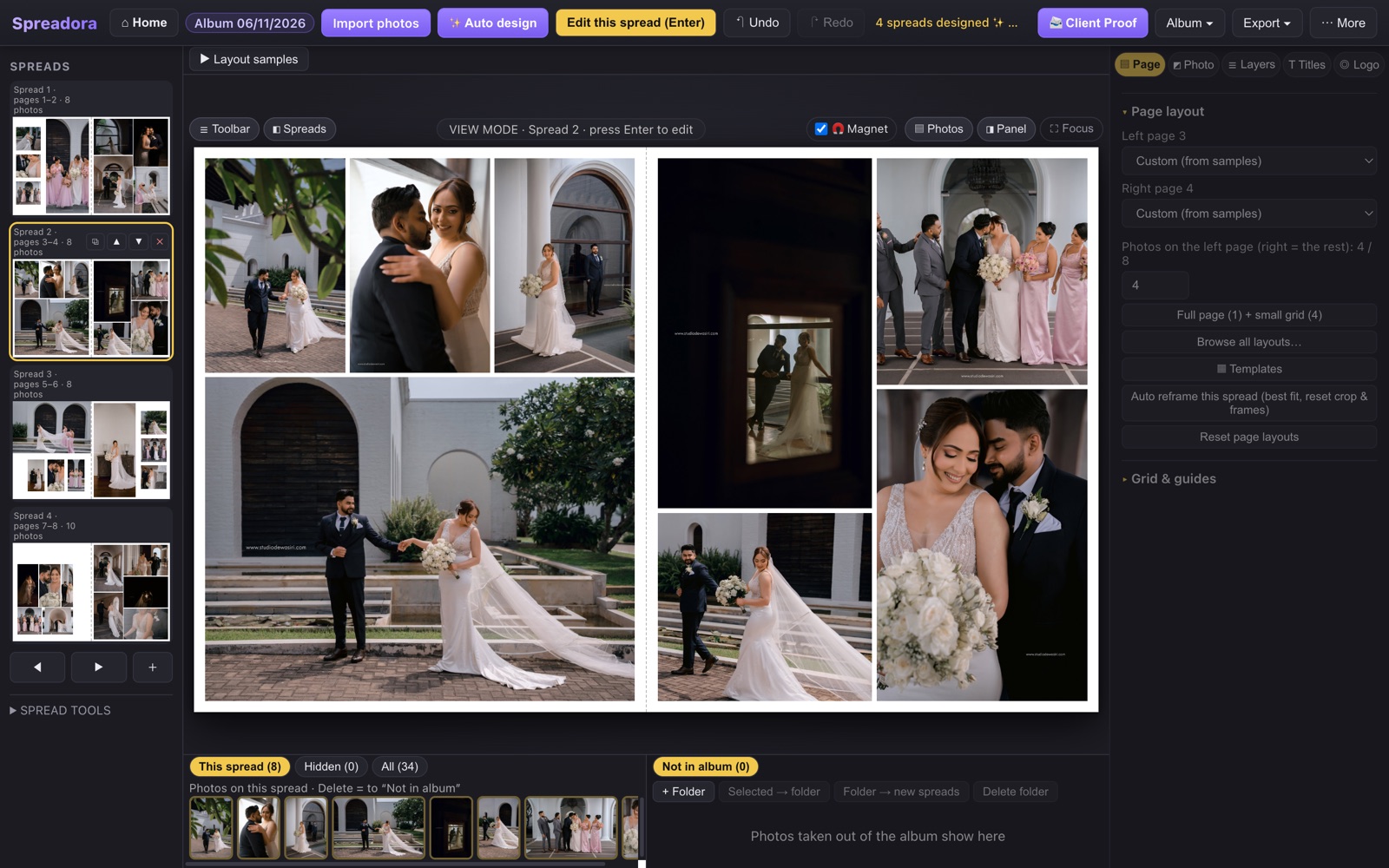
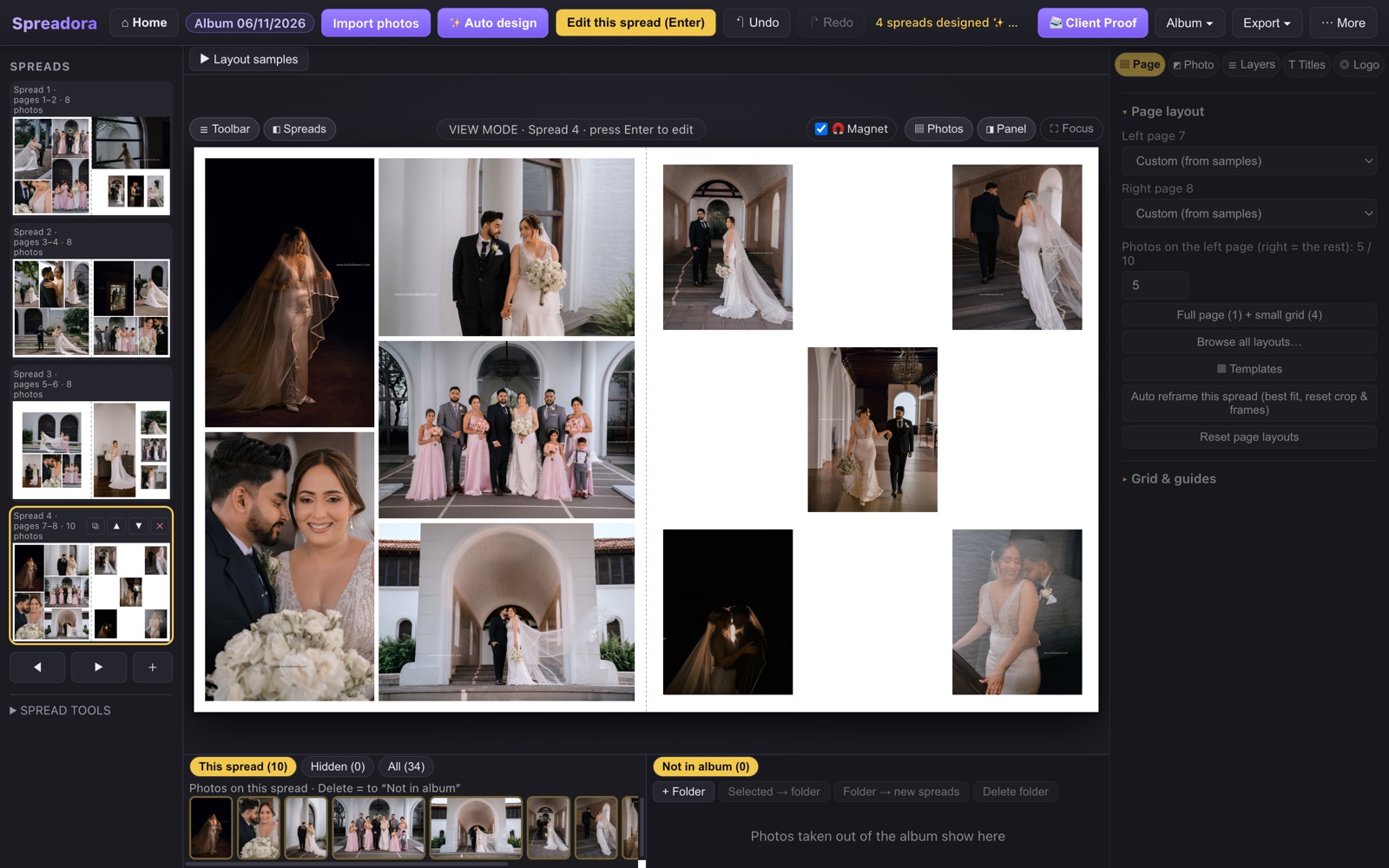
A finished album, made in Spreadora

Every spread below came from one real wedding.

Album spread in Spreadora

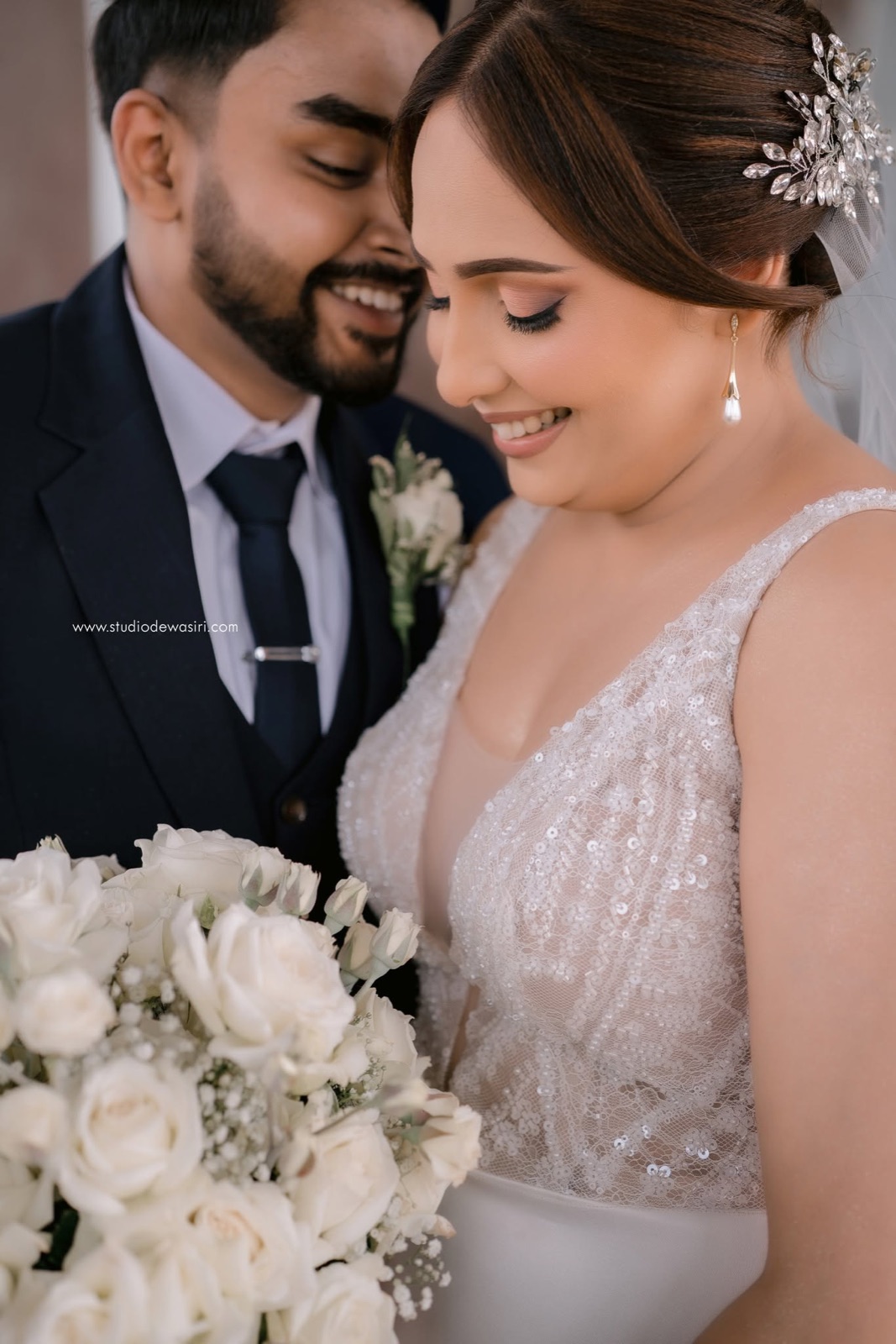
Sample photos: Keshan & Anjali's wedding by Studio Dewasiri. Real app screens. Selectora is shown in its Windows version with a sample selection, and Safeora uses sample names.

Download

Always the latest version, straight from us — one zip with the installer and its guide. Install, then sign in with your licence key, or try Spreadora free for 30 days.

Windows: open the zip (right-click › Extract All), then run the Setup inside. If Windows shows “Windows protected your PC”, press More info → Run anyway. Already have an older version? Just run the new installer — it closes the old one and updates it, your work stays.

Mac: open the zip, then the .pkg inside, and follow the steps. Already installed? The app also offers updates by itself.

Tutorials

Each app from start to finish, with English voice and subtitles.

01 Selectora: select your photos
02 Spreadora: design an album
03 Safeora: track your backups

Pricing

Download the apps any time from this page. Order your licence on WhatsApp and pay by online transfer. Every licence works on 2 devices at a time.

Prices in Sri Lankan rupees. Selectora also needs your own Anthropic API key and credits.

How to buy

Four simple steps.

  1. Choose a planPress a price on the plan you want.
  2. Send your orderYour order opens in WhatsApp, ready to send.
  3. Pay onlineWe send our bank details. Make an online transfer and send us the slip.
  4. Download and activateDownload the app from this page and sign in with the licence key we send you.

Help

Can't find your answer? Email us.

How do I pay?

Press a price and send your order on WhatsApp. We reply with our bank details. Make an online transfer and send us the slip.

When can I download?

Any time — press Download on this page for Mac or Windows. As soon as we confirm your payment, we send your licence key. Spreadora also has a 30-day free trial.

The Windows installer says “integrity check has failed”

The file did not download completely. Delete it and press Download again on this page (don't send the installer through WhatsApp). If an older version is open, the new installer closes it by itself.

How many computers can I use?

One licence works on 2 devices at a time. On a third device, you choose which one to sign out. The software works offline for 7 days at a time.

How do updates work?

When a new version is ready, the app shows an Update card. Click it and the app installs the update and opens again. You don't need to download anything.

Does Selectora include AI credits?

No. Create your own API key at platform.claude.com and buy credits there. A Claude Pro subscription doesn't cover it. The install guide shows each step.

Are my photos uploaded?

Only when you choose. Spreadora uploads a small watermarked copy when you create a Client Proof link. Safeora copies files to your cloud only when you tick them. Selectora sends small previews to Anthropic's AI with your own API key so that it can judge them.

Your order

WhatsApp opens with your order filled in. Just press send.